


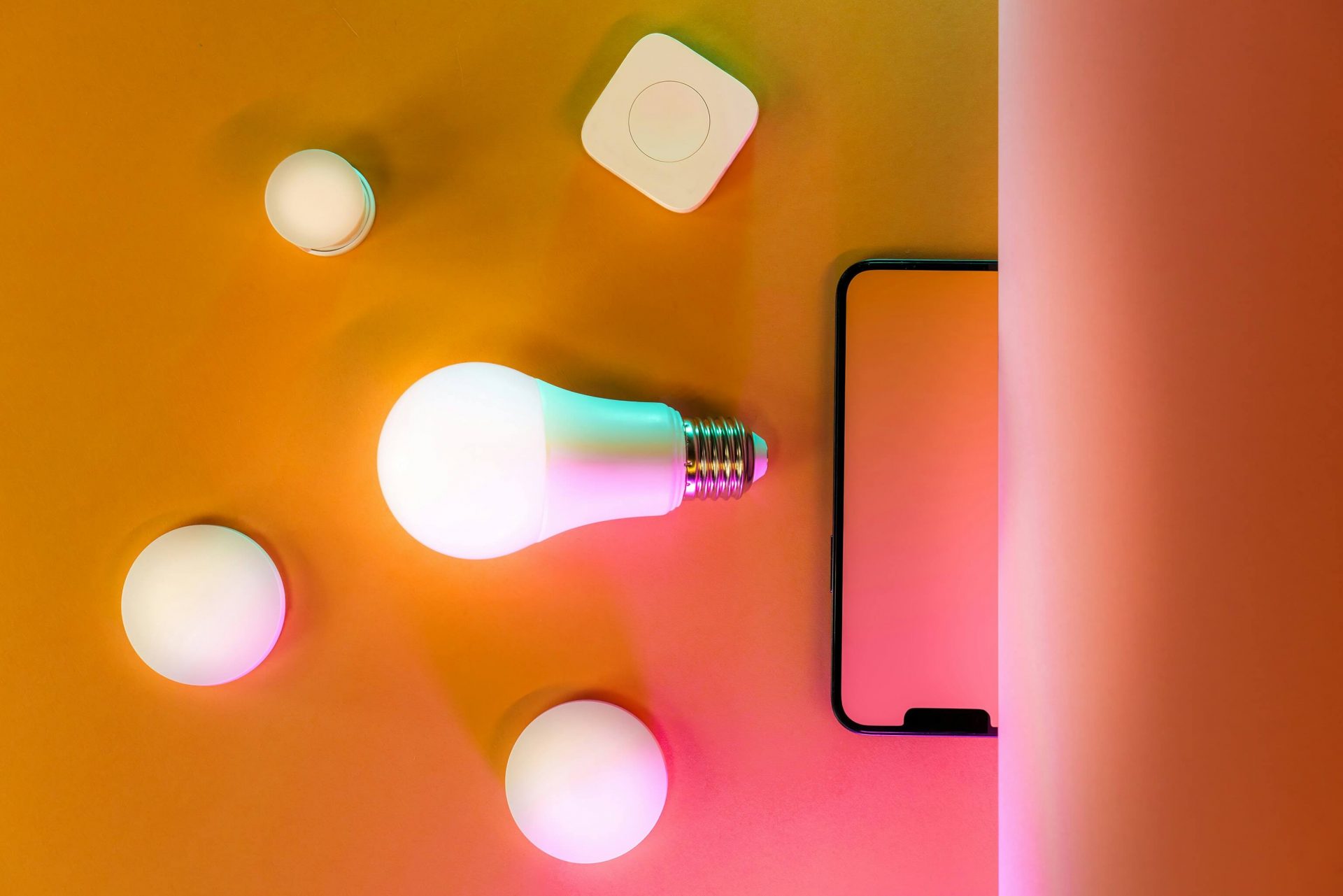
 Photo by Jakub Żerdzicki from Unsplash.
Can Smart Home Integration Offset Rising Energy Costs This April?
With the end of Daylight Saving Time in April 2026, Australian households are facing the dual challenge of shorter days and the first real bite of autumn cold. Historically, this is when electricity bills begin their seasonal climb.
However, the 2026 retail landscape is dominated by Smart Energy Management. Australian shoppers are no longer just looking for “cool gadgets”; they are investing in smart energy saving tech that pays for itself.
Here is how to use smart home integration to slash your energy consumption this April.
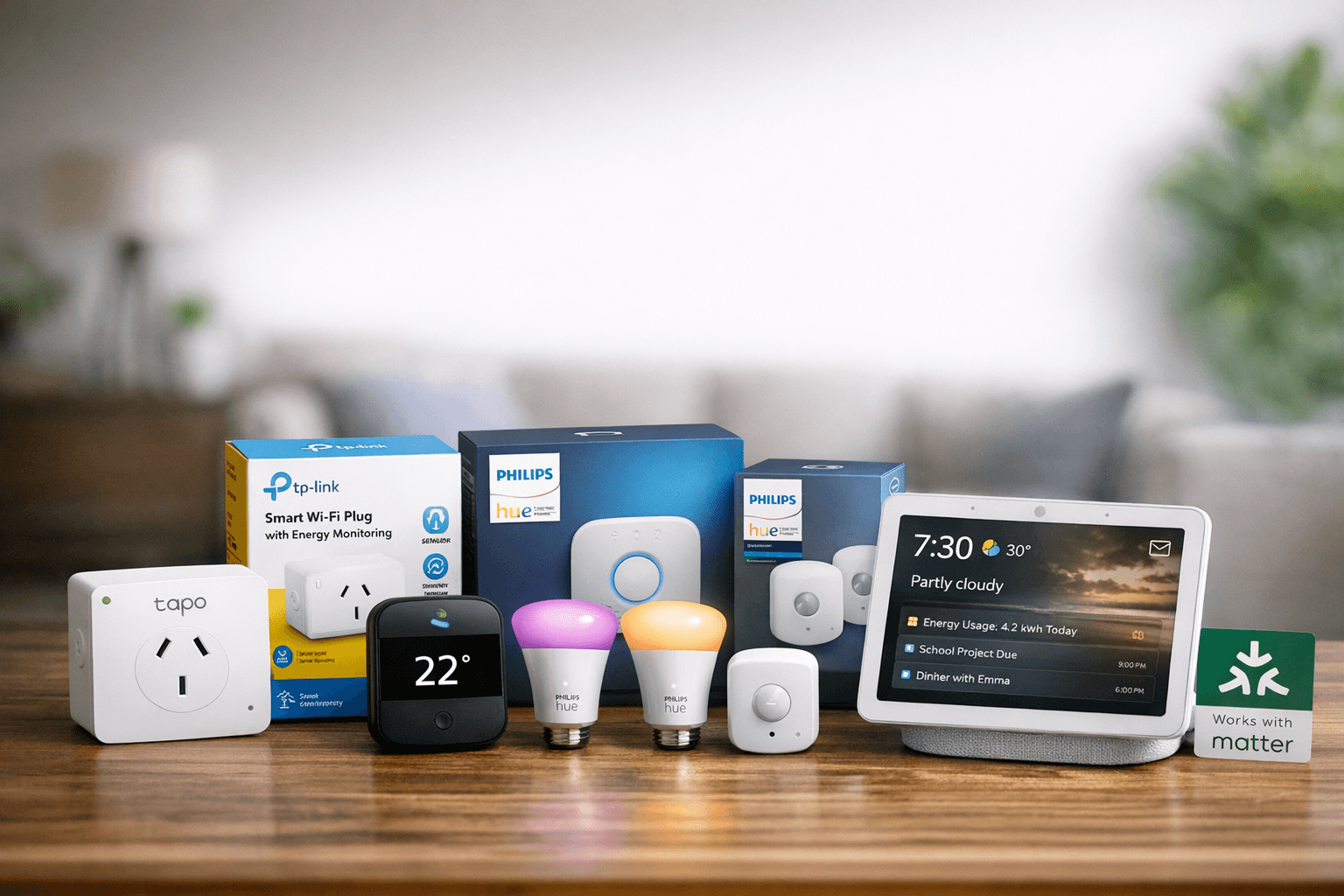
1. Eliminating “Phantom Loads” with Smart Plugs
Many Australian homes are filled with “vampire devices”—appliances like coffee machines, old TVs, and amplifiers that pull power even when turned off.
- The Brand: TP-Link (available at JB Hi-Fi and Amazon AU)
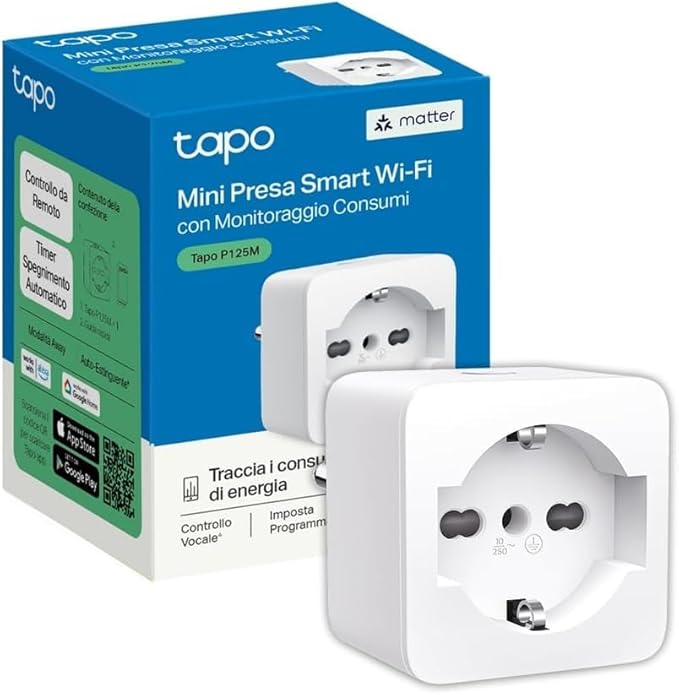
- The Product: Tapo Smart Wi-Fi Plug with Energy Monitoring.
🔌 The Energy Saver: These plugs allow you to see exactly how many kilowatt-hours (kWh) a device is using via an app. In April, use the “Schedule” feature to ensure home office setups and entertainment units are completely powered down during off-peak hours or while you sleep, potentially shaving 10% off your quarterly bill.
| TP-Link Tapo P125M Matte Italian Smart Socket |
 |
2. Precision Heating with Smart Controllers
In Australia, heating and cooling account for roughly 40% of household energy use. The “April Trap” is leaving the heater on all night because it was cold at 9:00 PM.
- The Brand: Sensibo (available at The Good Guys and Harvey Norman)
- The Product: Sensibo Air Con Controller
❄ The Energy Saver: Instead of running your split system at a constant temperature, Sensibo uses Geofencing. It detects when the last person leaves the house (via their phone’s GPS) and automatically turns the AC off. It can also be set to “Eco Mode,” which uses AI to maintain comfort using the least amount of compressor power possible.
| SENSIBO SKY Wi Fi Air Con Controller | |
 |
 |
3. Smart Lighting: Beyond Just Dimming
Now that it’s getting dark by 5:30 PM, lights stay on longer. Traditional incandescent or even older LEDs can be inefficient if left on in empty rooms.
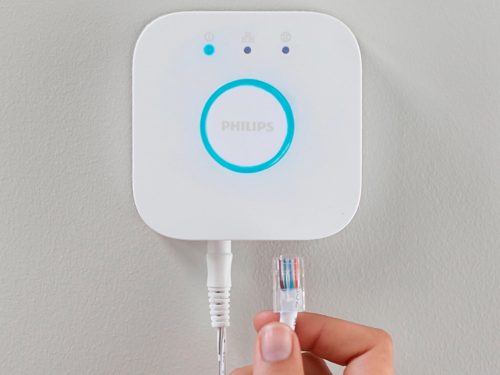
- The Brand: Philips Hue (available at Philips Hue)
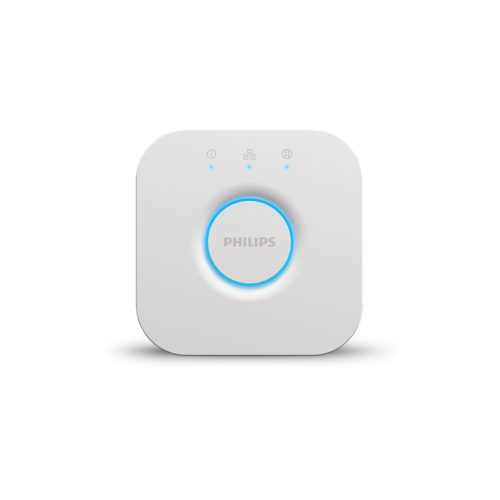
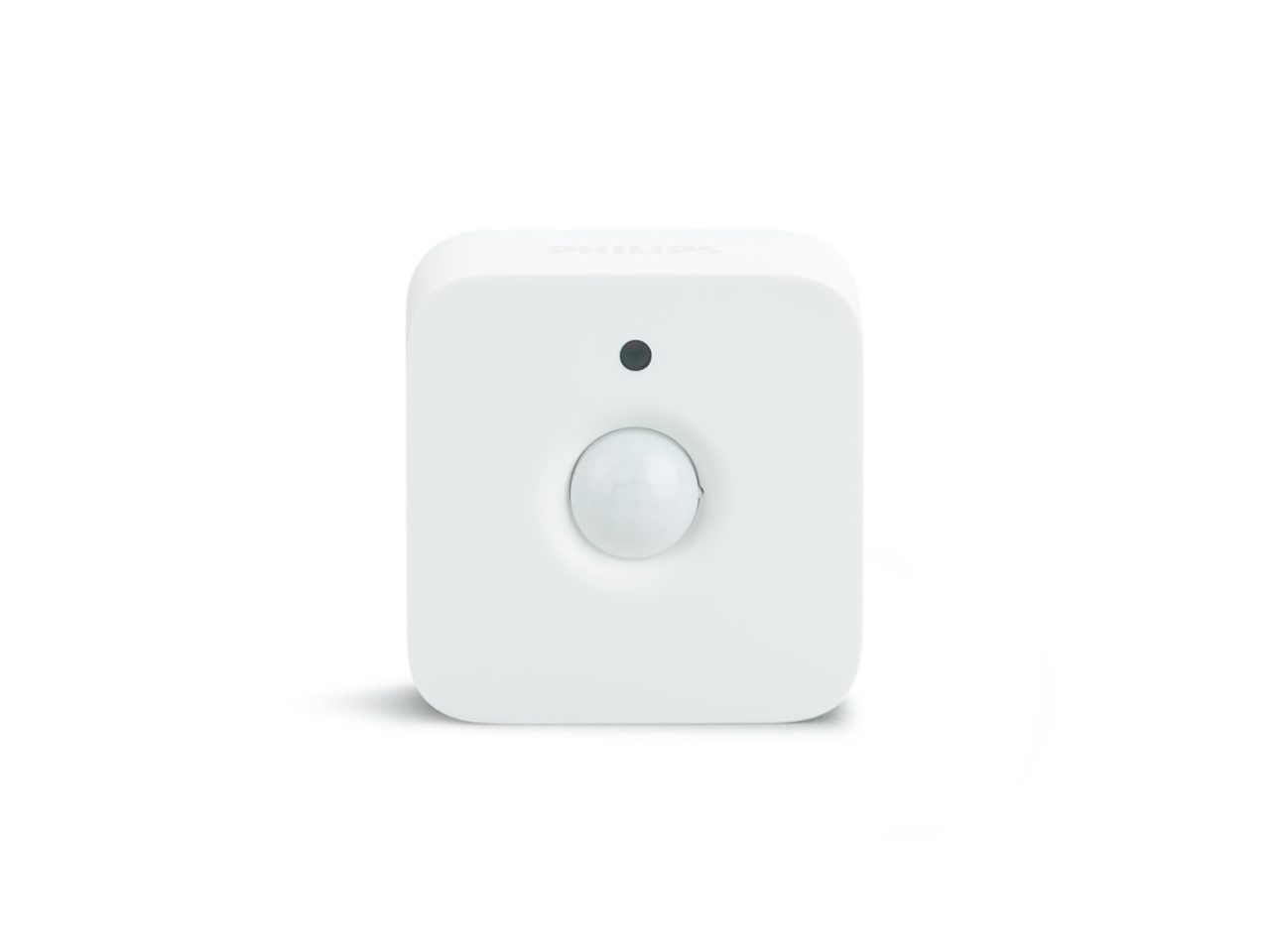
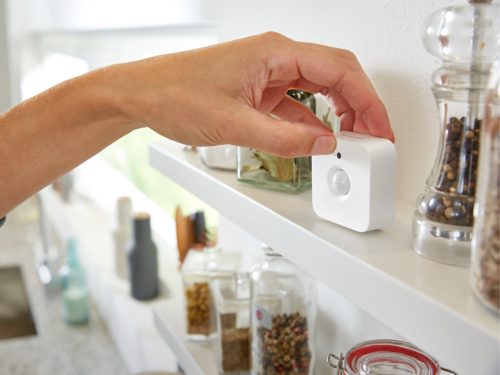
- The Product: Philips Hue Bridge + Motion Sensor.
💡 The Energy Saver: By pairing smart bulbs with motion sensors in high-traffic areas like hallways, laundries, and pantries, you ensure lights are 100% off the moment no one is in the room. You can also set “Energy Saving Scenes” that automatically dim lights to 70% brightness—a change barely noticeable to the human eye but significant for long-term energy reduction.
| Hue Bridge | |
 |
 |
| Hue Motion Sensor | |
 |
 |
4. The Intelligent Hub: Keeping the Family on Track
With school holidays usually falling around the April shift, keeping a household routine can be chaotic. This hub acts as the “mission control” for your home to ensure the transition is seamless.
- The Brand: Google Nest (available at Mobileciti)
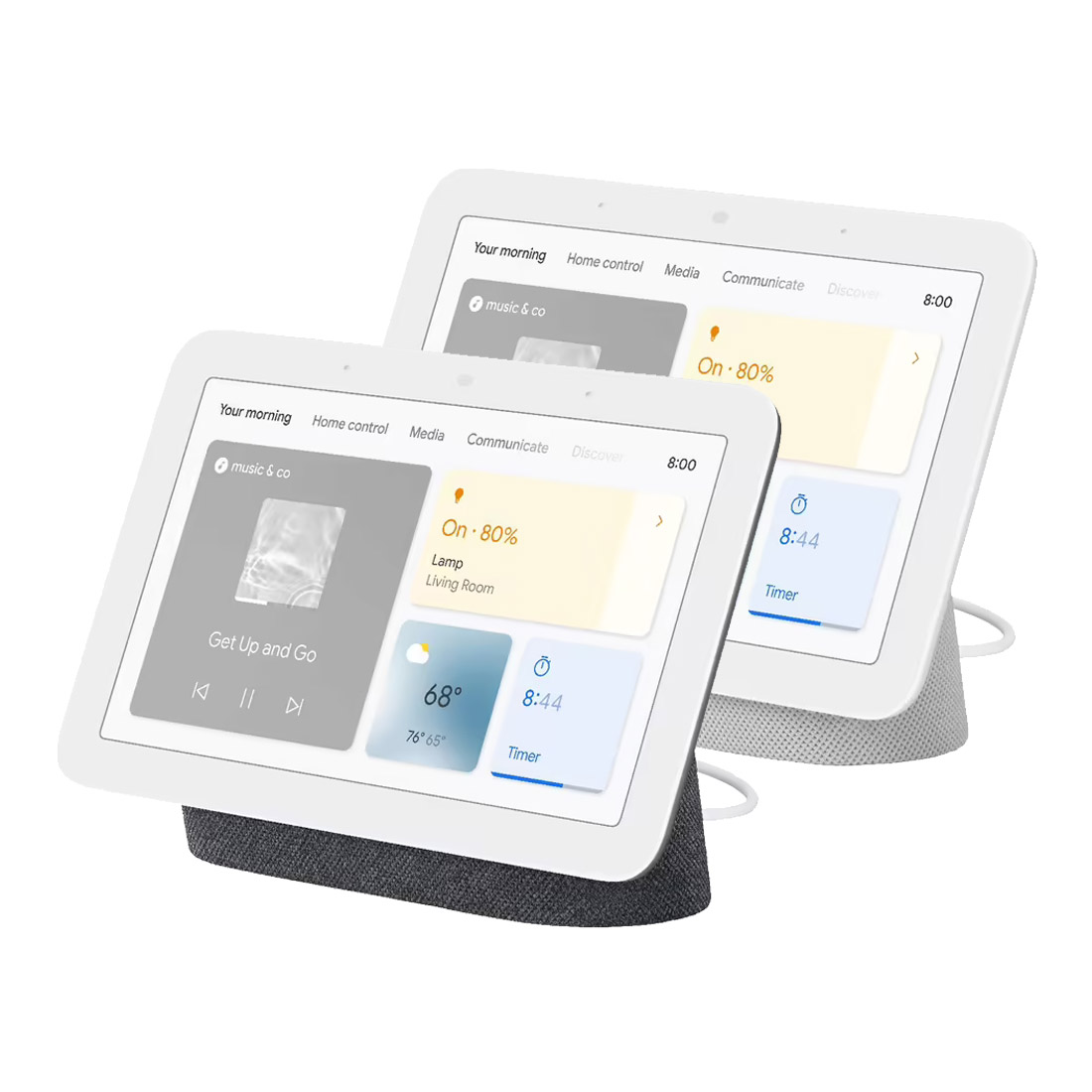
- The Product: Google Nest Hub (2nd Gen)
🏠 The Energy Saver: Beyond managing schedules, the Nest Hub integrates with smart thermostats and lights to automatically dim or power down devices when you leave the room. By utilising its Sleep Sensing technology, it can also help you optimise your bedroom’s temperature and lighting schedules, ensuring you aren’t wasting energy on heating or cooling while you’re deep in a “Sleep Summary” approved rest.
| Google Nest Hub 2nd Gen Smart Home Display |
 |
Strategy for the April Shopper
Before heading to the checkout, check the Government Energy Rating labels—the more stars, the more you save. However, to truly future-proof your home, look for the “Works with Home Assistant” or “Matter Compatible” badges on retail packaging.
Matter is the 2026 industry standard that ensures your smart energy saving tech integrates seamlessly, regardless of the brand. This compatibility allows you to create “One-Tap Energy Off” routines that kill every non-essential light and appliance in the house with a single command.
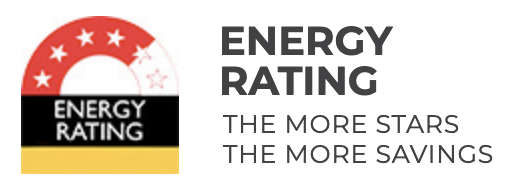 |
Government Energy Rating : How to read the label & Energy Rating Calculator. |
Explore more Smart Energy Saving Tech on feebee.com.au
To follow our latest marketing trends, please visit our LinkedIn and Facebook
For more articles, go to Feebee Australia Online Shopping Guide